
A free invitation. A good time.
Get your favourite people together.
A birthday, a big night, or dinner just because. Make a lovely little event page, send your friends the link, and see who’s coming.
No tickets. No guest accounts. Just your people.
Alex & Jamie invites you
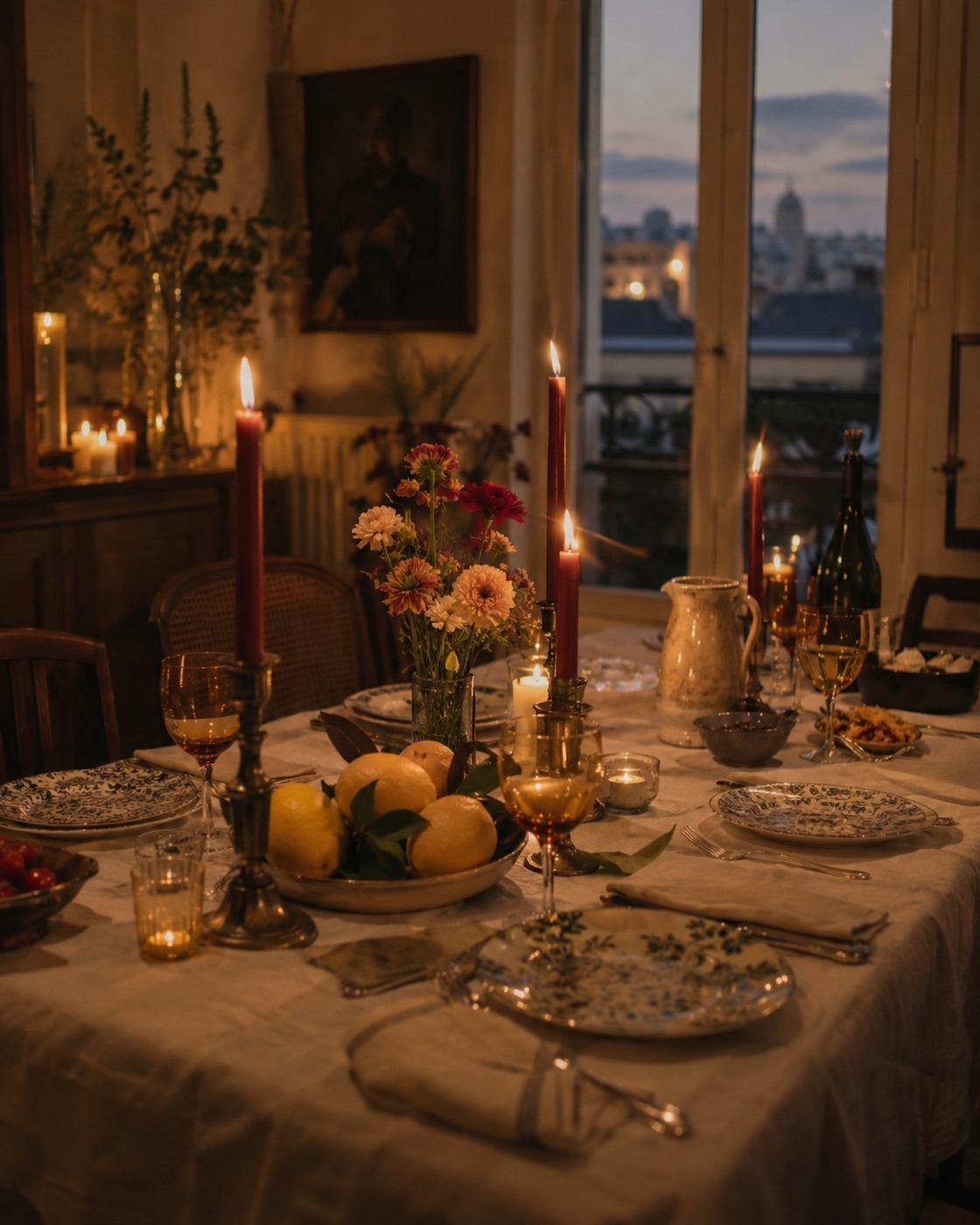
An evening at ours
Sat, 12 Dec 2026, 19:00 · Europe/London
Our place, London
A long table, a few old friends, and nowhere else to be. Come hungry.
Make it feel like you
A beautiful beginning to a good time.
Alex & Jamie invites you
An evening at ours
Sat, 12 Dec 2026, 19:00 · Europe/London
Our place, London
A long table, a few old friends, and nowhere else to be. Come hungry.
Sophie invites you
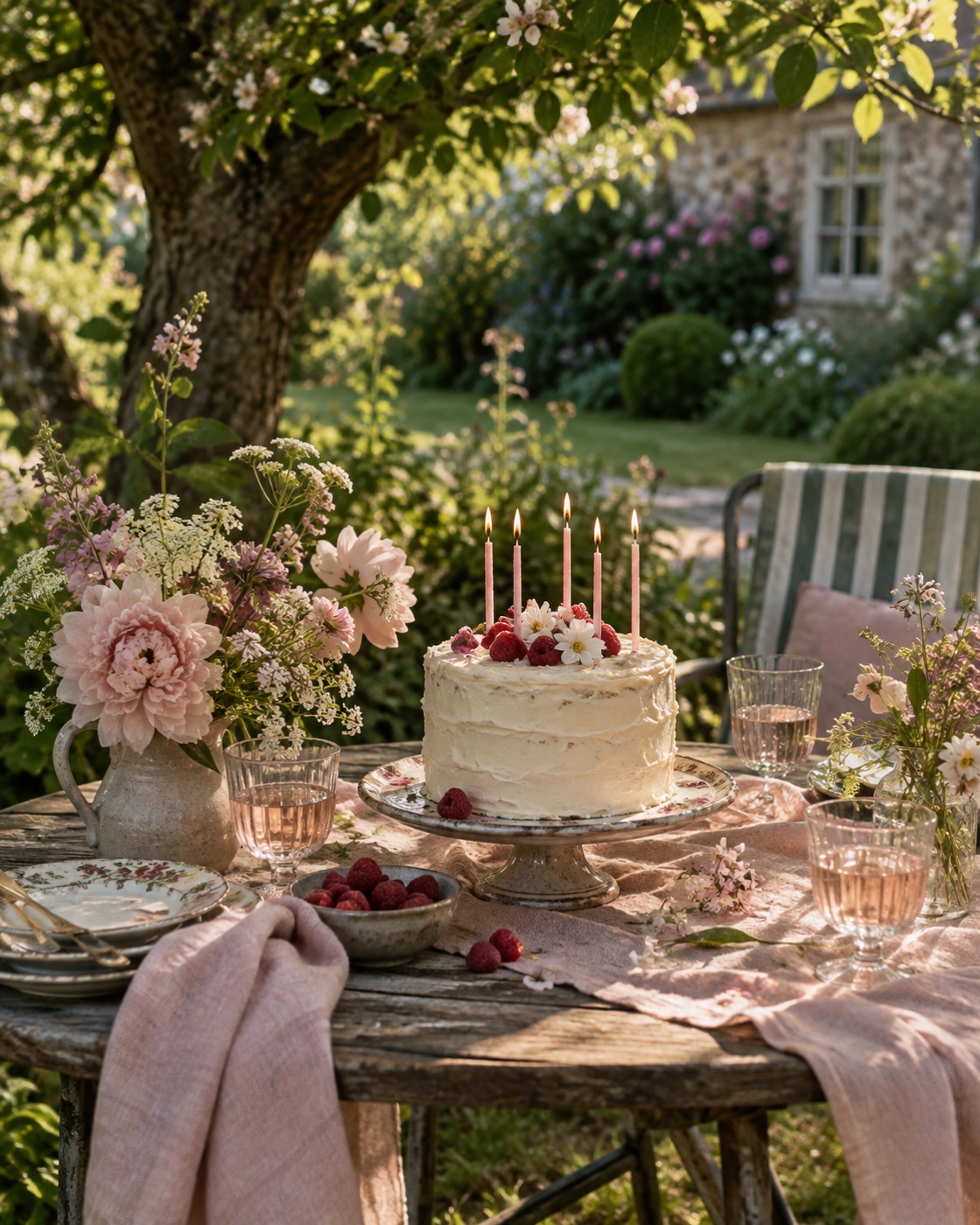
Another lovely year
Sat, 19 Jun 2027, 15:00 · Europe/London
In the garden
Birthday cake, something chilled, and an afternoon in the sunshine.
Pick the mood
A little something to celebrate.
Start with one of our illustrated invitations, or add a photo of your own.
01 · Make it yours
Set the scene.
Choose a design, add the date and place, and tell your friends what’s happening. That’s your invitation.
02 · Send it round
Spread the word.
Copy the link for your group chat. Download a matching image for an Instagram story or post. Share the invitation on Facebook.
03 · See who’s coming
Names. That’s it.
Your friends RSVP with their name. No sign-up, no email address. Your guest list is there when you need it.
Keep the planning simple.
Is it really free?
Yes. Creating an event, collecting RSVPs, and downloading share images are free. You don’t need a paid website or your own domain.
Where does my invitation live?
On considered.bio/event/ followed by a long, random ID. If you already have an active domain connected to As Considered, you can choose that instead.
Is my event private?
It’s unlisted, with a hard-to-guess link, and we ask search engines not to index it. Anyone with the link can open or forward it. Sharing on a public social profile makes the invitation visible to that audience. Guest names are only visible to you.
How do I share to Instagram?
Download your story or square image, add it in Instagram, and paste the invitation link into a story link sticker or your bio. The image alone doesn’t contain a clickable RSVP link.
Can I change the details?
Yes. Edit the event and save it to update the same link. Download a fresh image if the details change. You can also close RSVPs, take the invitation offline, or delete it.